
Threads Video Downloader — Save Threads Videos, Photos & GIFs in HD
Download videos, photos and GIFs from Threads in HD quality. Just paste the link and save it to your device in seconds.
Works on Android, iPhone, Windows & Mac • Public posts only
How it works — 3 steps
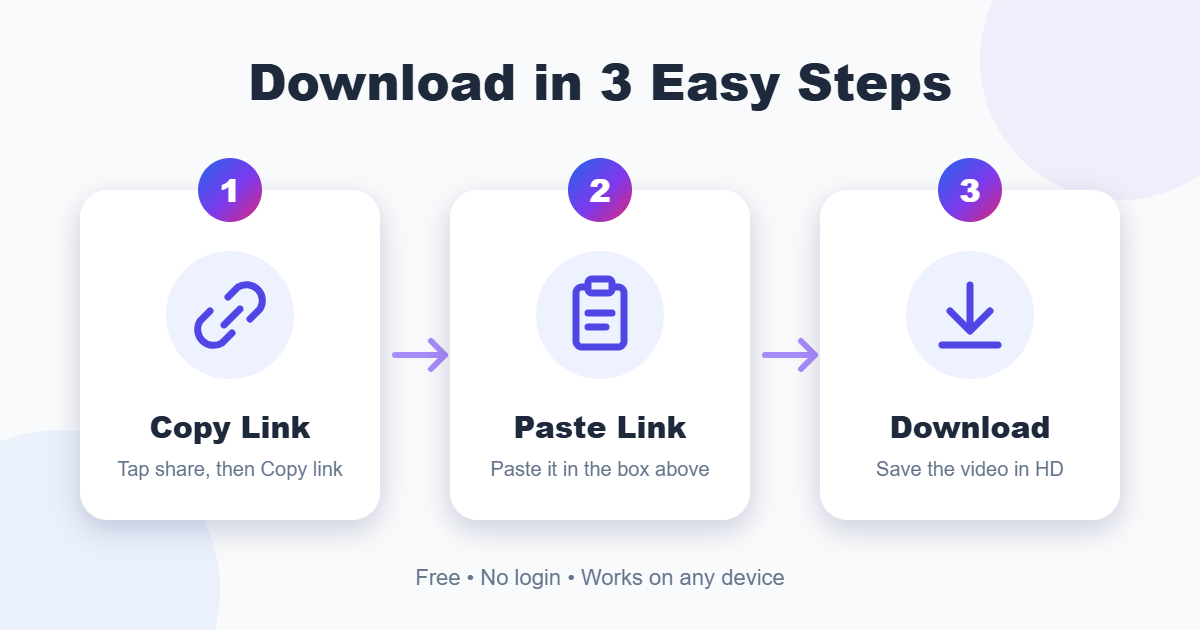
Copy the link
In Threads, tap Share under the post and choose Copy Link.
Paste it here
Paste the link in the box above.
Download
Preview the media, then tap Download. That is it.
No account. No watermark from us. No daily limit.
Why Choose Our Downloader?
A fast, clean and private way to save Threads content.
HD Quality
Get videos in the best quality Threads makes available, with sound, and no added watermark.
100% Free
No fees, no subscriptions, no trial, no daily limits.
No Login Needed
We never ask for your Threads or Instagram username or password. If a site asks for it, leave immediately.
All Devices
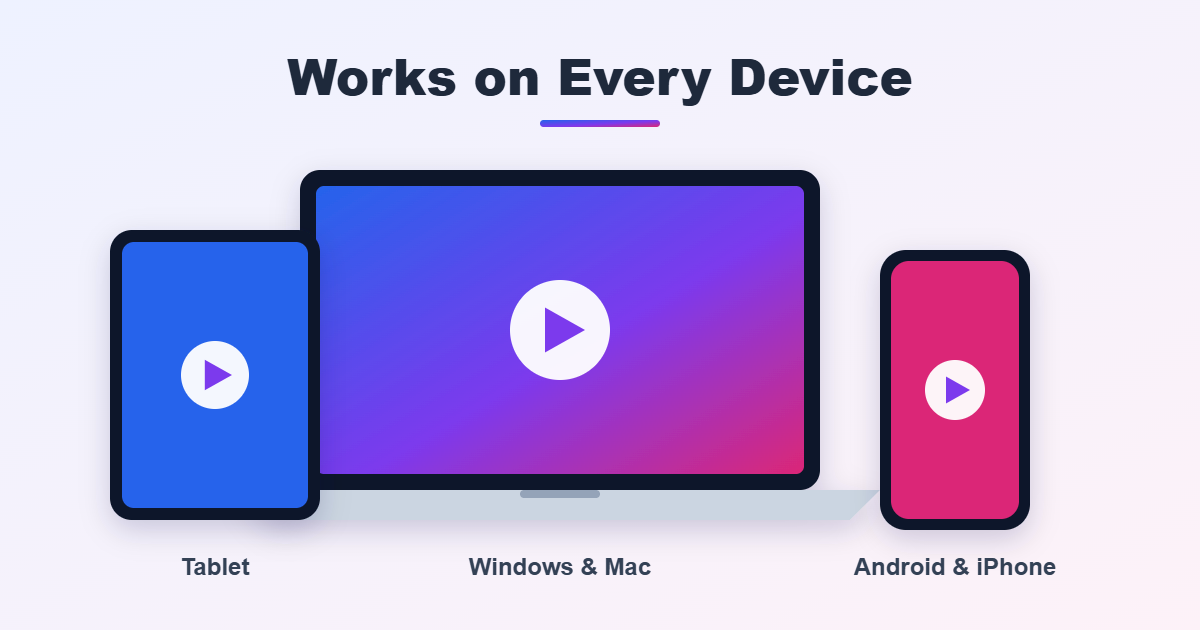
Works in any browser on Android, iPhone, iPad, Windows, Mac, Chromebook and Linux.
Videos, Photos & GIFs
Save single videos, photos and multi-item carousel posts.
Super Fast
Your download is ready in a few seconds.
Download any public Threads video, photo or GIF in seconds — free, in HD, with no login and no app to install. Copy the link from Threads, paste it here, and save it to your phone or computer.
What Is a Threads Video Downloader?
A Threads video downloader turns a public Threads post link into a file you can keep. You paste the link, the tool finds the media attached to that public post — a video, image or GIF — shows you a preview, and gives you a download button. Ours works entirely in your browser. No app, no extension, no account. Copy, paste, download.
How Does It Work?
- You provide a public link.
- The tool reads the public post page and finds where the media is hosted.
- It selects the best available version.
- You preview it and download it.
It only works with public posts. It cannot see private accounts, direct messages or hidden content.
How to Download on Android
- Open Threads and find the post.
- Tap Share (paper-plane icon) and choose Copy Link.
- Open your browser and go to threadsvideodownload.net.
- Paste the link in the box and tap Download.
- Tap Download under the preview. Files usually go to your Downloads folder, and appear in Google Photos or Samsung Gallery.
How to Download on iPhone and iPad
- Open Threads, tap Share, choose Copy Link.
- Open Safari and visit threadsvideodownload.net.
- Paste the link, tap Download, then tap Download under the preview.
- Find the file in the Files app > Downloads. To move it to Photos, open it, tap Share, then Save Video / Save Image.
How to Download on Windows
- Open threads.net, find the post, click Share > Copy Link.
- Open threadsvideodownload.net in a new tab.
- Paste with Ctrl + V, click Download, then click Download under the preview.
- The file saves to Downloads. Play MP4s in Media Player or VLC.
How to Download on Mac
Copy the link, open threadsvideodownload.net in Safari, Chrome or Firefox, paste with Command + V, click Download. Files go to Downloads. Videos play in QuickTime, photos open in Preview or Photos.
Photos, GIFs and Carousel Posts
Same steps, same tool. Photos: saved in their original resolution. GIFs / short loops: usually saved as a small video file. Carousels: each photo/video is shown separately — download all of them, or only the ones you want.
Quality and Formats
Videos are usually MP4 — the most widely supported format — with their original sound. Photos are usually saved as JPG. Quality depends on the original upload: a low-resolution upload cannot become HD in the download. We give you the original file, not a screen recording.
Downloader vs. Screen Recording
Screen recording captures notifications and buttons, lowers quality, takes the full length of the video to record, and often loses clean audio. A downloader gives you the clean, original file in seconds, with no editing needed.
Troubleshooting
- Invalid link / nothing happens: Copy the full post link with Share > Copy Link. Do not paste a profile link. Remove extra spaces.
- Private account: No public downloader can access private posts. Ask the owner to send the file directly.
- Post deleted: If it was removed, the media is gone and cannot be downloaded.
- Video opens in a new tab: Long-press (mobile) or right-click (computer) and choose Download Video / Save Video As.
- Cannot find the file: Check browser download history (Ctrl + J on Windows, Command + Option + L in Safari). On iPhone, check Files > Downloads first.
- Slow download: Switch to Wi-Fi, close other apps using the internet, and try again.
Staying Safe
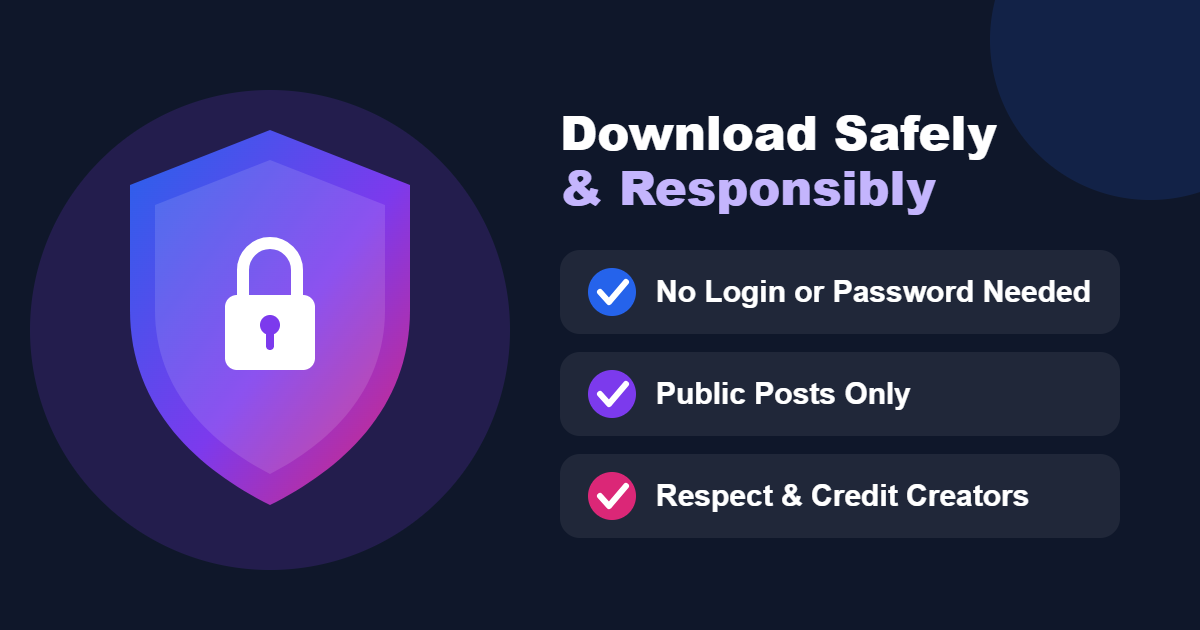
Never share your password. A real downloader only needs a public link. Do not install an app, extension or “codec” to download a video. Watch out for fake download buttons in ads. Check the address starts with https:// and shows a padlock. A site should never ask for your contacts, camera or microphone. We do not require registration, we never ask for account details, and we only work with public posts.
Is It Legal?
Downloading a public video for your own personal, offline viewing is common. The creator still owns the content, and copyright protects it. Do not re-upload someone else’s video as your own, remove their credit, use it in ads, or sell it. Laws differ by country — if you want to use content beyond personal viewing, get permission from the owner first.
Use Content Responsibly
Keep it personal. Ask before you share. Always give credit and tag the creator when you have permission. Do not remove watermarks. Respect privacy. Support creators by following and engaging with them on Threads.
Backing Up Your Own Posts
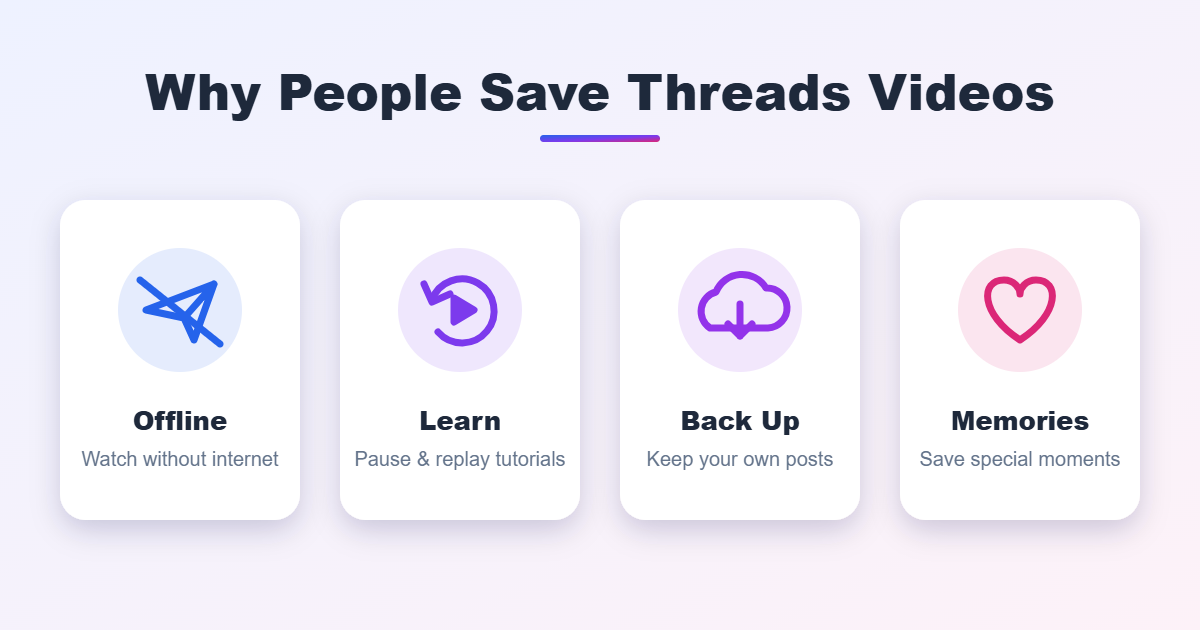
Creators can save a clean copy of their own public videos/photos for a portfolio or archive. For a full backup of everything you posted, request your data in Threads / Instagram settings. Our tool is for one specific post, quickly.
FAQ
1. Do I need to install an app or log in?
No. Everything works in your browser. You only need the link to a public post.
2. Is it really free?
Yes. No fees, no limits, no hidden charges.
3. Will the creator know I downloaded their video?
No notification is sent. Respect their rights when you use it.
4. Can I download videos with sound?
Yes. If the original has audio, the MP4 includes it.
5. Does it work with Instagram links?
This tool is made for Threads posts. Paste a Threads link for best results.
6. Is there a limit on video length?
No limit from our side. Longer videos just take a little longer.
7. Can I download from a private account?
No. Only public posts work.
8. What quality will I get?
The best quality Threads makes available for that post, up to HD.
9. Where is the file saved?
Usually in Downloads — on iPhone, in the Files app first.
10. Is it safe?
We never ask for a password, and we only use public links. Never enter your Threads/Instagram login on a downloader site.
Final Thoughts
Threads is full of videos and moments worth keeping, but the app does not give you a save button. Copy the link, paste it here, and have the original file on your device in seconds — in full quality, without logging in or installing anything. Bookmark this page so it is ready next time.
Ready to save your favourite Threads?
Paste a link and download in HD — free, fast and private.
Start DownloadingThreads Video Download is an independent service and is not affiliated with, endorsed by or connected to Threads, Instagram or Meta Platforms, Inc. Download only content you have the right to use.